Best POS system for cafés and restaurants in the Nordics (2026)
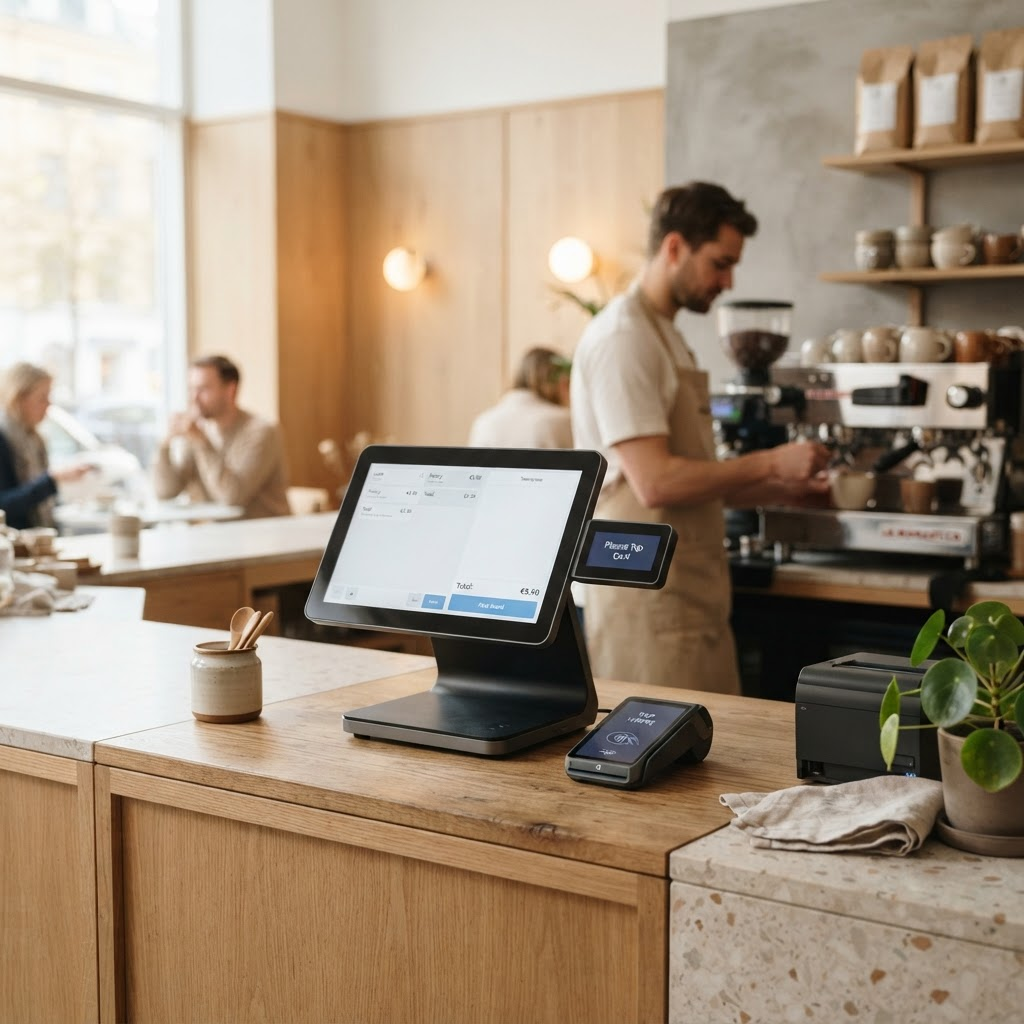
The best all-in-one POS system for a café or restaurant brings payment, ordering, inventory and sales reporting into one system — without locking you into an expensive monthly contract. In this guide we compare the two most common ways to pay for a POS system and help you run the numbers on your own operation before you decide.
What makes a good POS system for food service?
A food-service POS needs to do more than accept cards. In a busy café you have to take orders quickly, keep the queue moving and hand over a receipt straight away. At the same time you want to see what is selling, how much stock you have and how the day is going. The most important features to look for are:
- Fast payment at the counter — card, contactless, Apple Pay and Google Pay
- Order and table management, ideally with routing of orders to the kitchen
- Inventory management with an alert when an item is running low
- Real-time sales reports so you can see revenue as the day unfolds
- Compliance with local cash-register regulations
An all-in-one system brings all of this together instead of you stitching together a tablet, a separate terminal and a traditional till. Fewer parts means fewer things that can fail in the middle of the lunch rush.
Example: SumUp Register, an all-in-one system with two screens
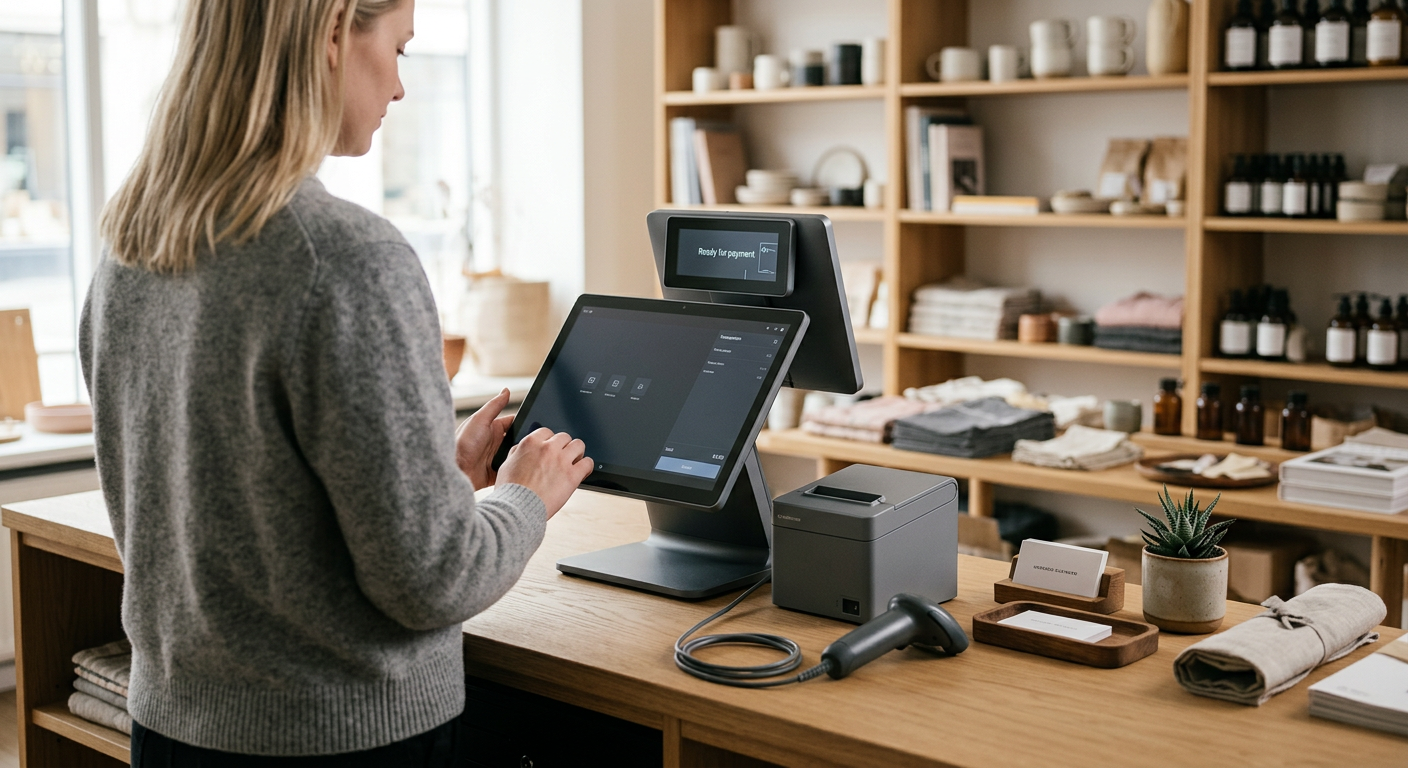
A good example of the one-off purchase model is SumUp Register. The till is built around two screens: a 13.3-inch touchscreen for staff and an 8-inch customer display that doubles as the payment terminal. Customers see what is being rung up and pay on their own screen, which speeds up the queue and makes checkout clearer. The POS software comes pre-installed with no licence fee, and you accept both cards and cash in the same system.
- Real-time sales reports plus staff and inventory management
- Loyalty programme (SumUp Local) and appointment booking (SumUp Bookings)
- Kitchen order routing for food service, and barcode scanning for retail
- Expandable with a receipt printer, cash drawer, barcode scanner and self-service kiosk
Pricing follows the rest of the SumUp range: 1.49% per payment, no monthly fee and no contract. With the Payments Plus subscription the rate drops to 0.79% per payment. For a deeper look at hardware, pricing and setup, see our dedicated SumUp Register guide.
One-off purchase or monthly subscription: what does it really cost?
A POS system rarely costs only what you pay at checkout with the retailer. The real price depends on the model you choose. The choice is usually between two:
- One-off purchase plus a fee. You buy the hardware once, own it, and then only pay a transaction fee when you actually sell something.
- Monthly subscription. You pay a fixed amount every month for the till and software, often with a multi-year contract. The transaction fee may be lower, but the fixed cost runs regardless.
| Cost item | One-off + fee | Monthly subscription |
|---|---|---|
| Hardware | One-off — you own the equipment | Often rented or paid off over time |
| Software | Often included with no licence | Monthly licence or subscription |
| Monthly fee | No | Fixed amount every month |
| Contract | No | Often 2–3 years |
| Transaction fee | Typically 1.49% (0.79% with SumUp Payments Plus) | Varies, can be lower via the local debit scheme |
| Payouts | Next business day (SumUp business account) | Depends on the agreement |
The key difference is where the risk sits. With a one-off purchase the fixed cost is low and you pay most when you sell most. With a subscription you pay the same every month regardless — which can be expensive in a quiet season but can pay off with steady, very high volume.
How to calculate the total cost
- Hardware: What does the till itself cost, and do you own it afterwards? Check the current price, as promotions change it.
- Software and licence: Is the POS software included, or is there a monthly licence on top?
- Transaction fee: What rate do you pay per payment, and how are domestic debit cards processed?
- Contract and cancellation: How long are you locked in, and what does it cost to exit?
- Accessories: Add receipt printers, cash drawers or barcode scanners to the sum for both options.
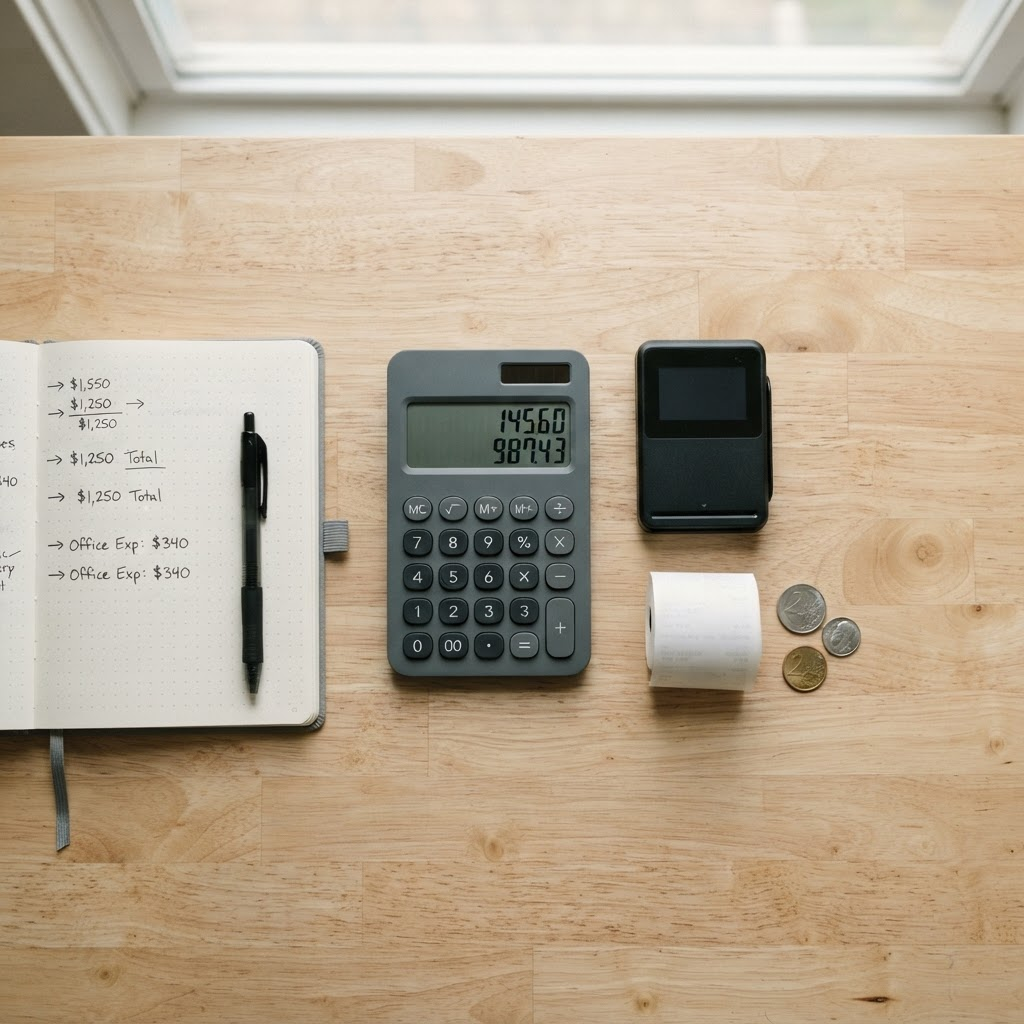
To compare two POS systems fairly, run the numbers on the same items for both. A quick example: if you take €30,000 in card sales over a year, a 1.49% rate means €447 in transaction fees. Once you have the same figures for both options, it is quick to see which model is cheapest for your particular operation.
An honest caveat for Nordic food service: some low-cost readers process domestic debit cards as Visa or Mastercard rather than over the local debit scheme (in Norway, BankAxept handled 49% of card transactions in 2024, per Norges Bank). For most cafés this matters little in practice, but at very high card volume you should factor it into the total.
When does a simple terminal fit — and when should you choose something else?
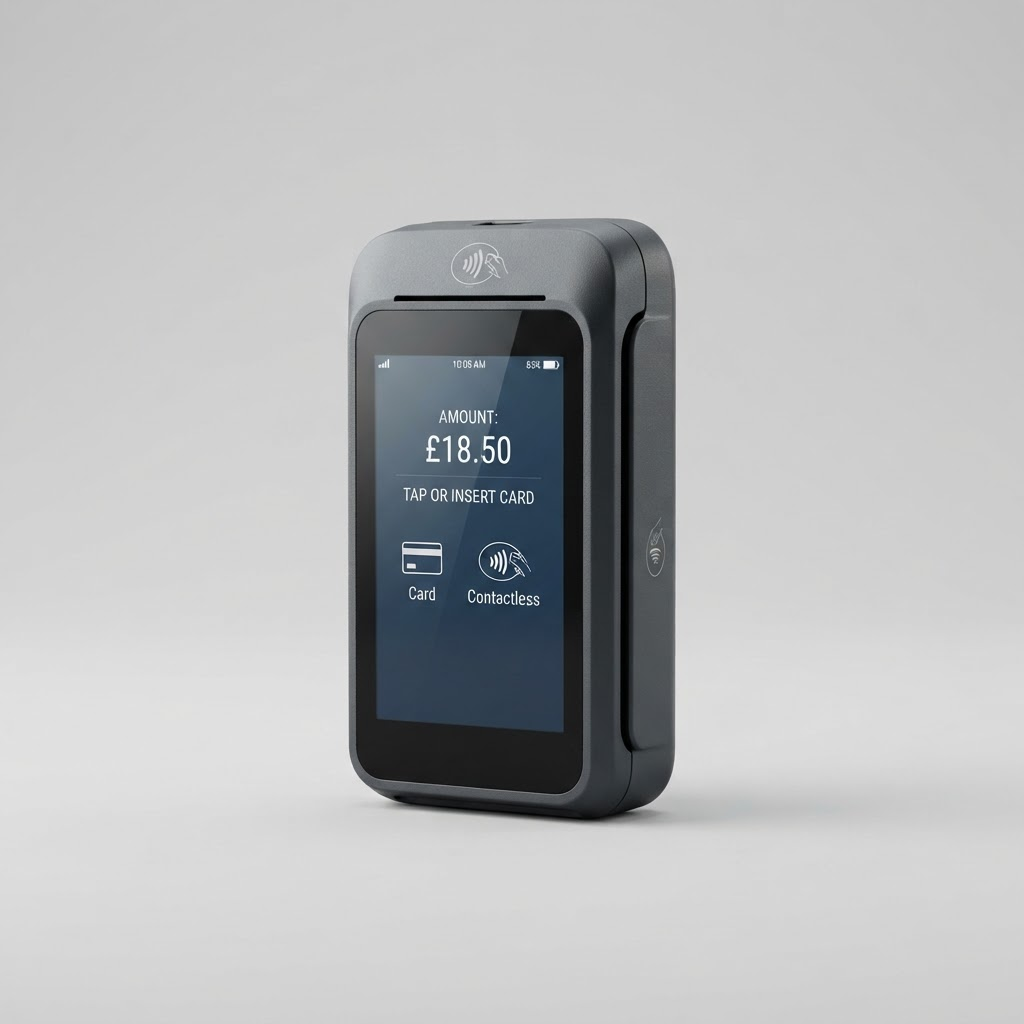
A contract-free all-in-one system like SumUp Register suits cafés, restaurants and bakeries with a fixed counter that want payment, orders, inventory and reporting in one place. If you only need to take payments, an affordable terminal like SumUp Solo is enough. If you instead sell on the move — at markets, in food trucks or at the customer’s home — an even simpler mobile reader is often enough. And if you have very high card volume, a bank terminal on the local debit scheme can mean a lower fee per payment, even with a monthly fee and a contract.
Read our full review of SumUp Solo — our highest-rated terminal for small businesses.
Visit providerFrequently asked questions
How much does a complete POS system cost?
It depends on the model. With a one-off purchase you pay once for the hardware and then a transaction fee per payment, often with no monthly fee or contract. A subscription has a lower fee but a fixed monthly cost and typically a 2–3 year contract. The cheapest option depends on how much and how evenly you sell.
What is the difference between a one-off purchase and a subscription?
With a one-off purchase you pay for the hardware once and own it, then only pay a fee when you sell. A subscription means a fixed monthly amount for the till and software, often with a contract. A one-off purchase gives a low fixed cost and suits variable operations; a subscription can pay off with very high, steady volume.
Do low-cost terminals meet cash-register requirements?
Many modern solutions have built-in compliance with local cash-register rules at no extra cost. The rules and your own obligations can change over time, so always check the current requirements from the tax authority for your type of business.
Does SumUp Register support BankAxept?
No. SumUp processes Norwegian debit cards as Visa or Mastercard rather than over BankAxept, which handled 49% of Norwegian card transactions in 2024 (Norges Bank). For most cafés this makes little difference, since customers pay contactless by card, Apple Pay or Google Pay anyway. At very high card volume, a BankAxept bank terminal may mean lower fees, so run the total-cost numbers before choosing.
Where can I buy SumUp in Norway?
SumUp is sold at retailers such as Elkjøp, both online (home delivery or click-and-collect) and in store. Availability varies, so check what is in stock right now. If you need a simpler, mobile option, SumUp Solo Lite and SumUp Solo are alternatives in the same range.
Advertiser disclosure: We may earn a commission when you click links to providers. This never affects our ratings.
SumUp Solo
Read review