What is SumUp Register? Price, setup and who it suits
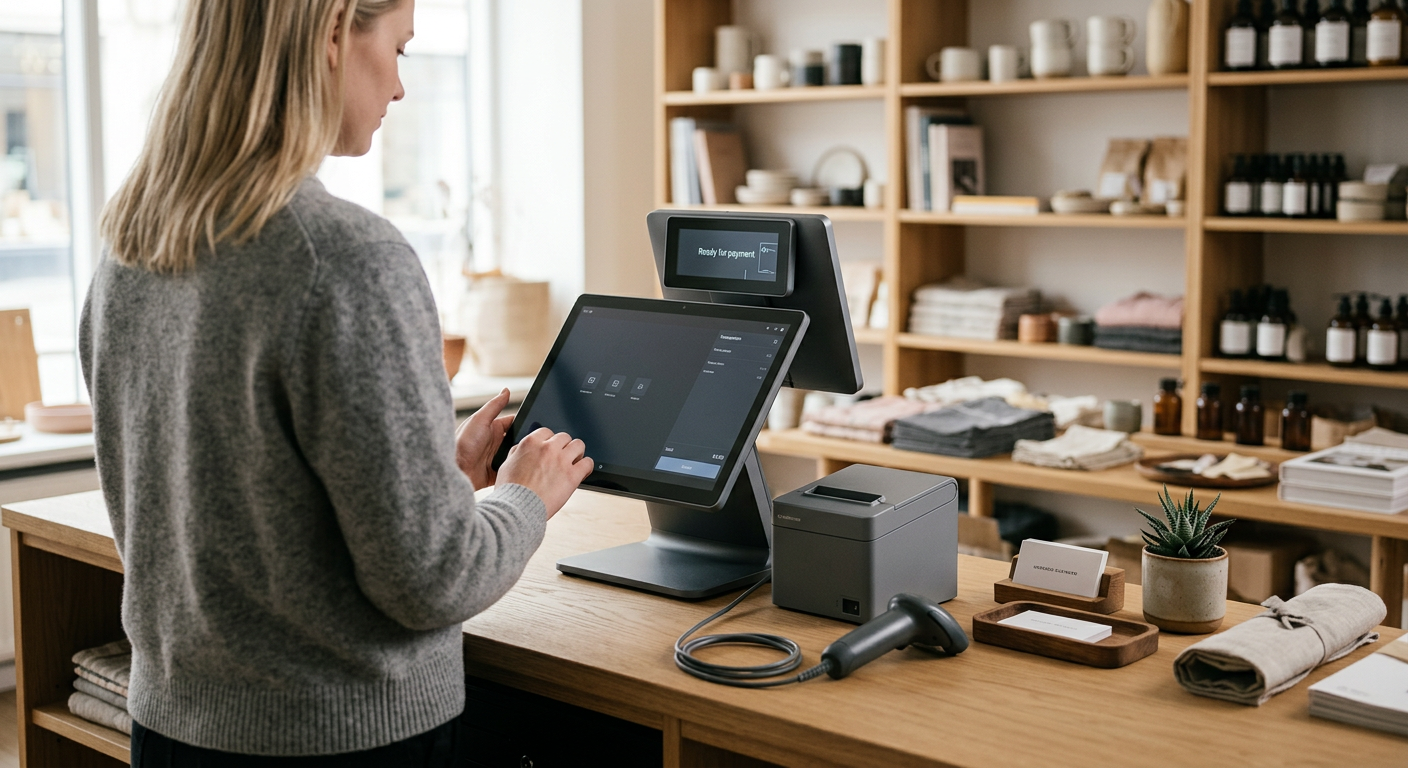
SumUp Register is SumUp’s complete point-of-sale system: a single two-screen setup that replaces the traditional cash register, the card terminal and the spreadsheet. In Norway it is sold through Elkjøp for NOK 4,399 (item number 1118591). The pricing is simple: 1.49% per card payment, no monthly fee for the POS software and no contract. Register is ordered online — if you need to take payments today, the card readers on the shop shelves are the option.
What does the POS system consist of?
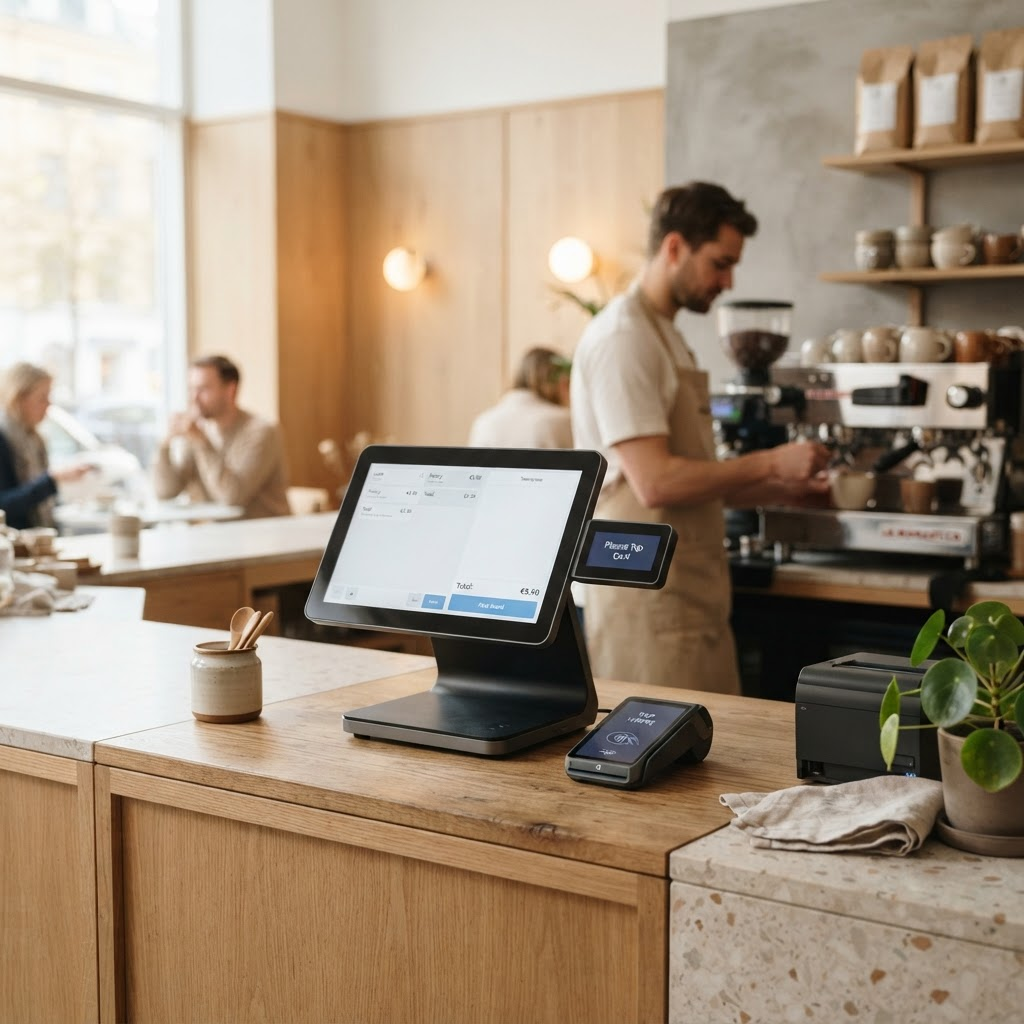
A POS system is three things working together: something that accepts the card, something that gives the customer a receipt, and software that keeps track of products and sales. With SumUp, the software comes with the hardware through the free SumUp Business app, so there is no licence and no back-office server. Register combines everything in one unit with two touchscreens — one facing you and one facing the customer — and payments, inventory, staff and reports live in the same cloud-based system.
| SumUp Register | Details |
|---|---|
| Price at Elkjøp | NOK 4,399 incl. VAT |
| Item number | 1118591 |
| Screens | 13.3" HD facing you + 8" HD facing the customer (payment terminal) |
| Weight | Approx. 3.2 kg |
| Connectivity | Wi-Fi |
| Receipt printer | Not built in — external can be connected |
| Barcode scanner | Can be connected |
| Monthly fee | None for the POS software |
| Transaction fee | 1.49% per payment |
| Contract | None |
| Where to buy | Online at Elkjøp |
Note: the receipt printer and barcode scanner are bought separately, so add what you need to the same order. Receipt paper is item number 440930 at Elkjøp.
Two screens working together
- The staff screen (13.3 inches, HD) faces you. This is where you enter orders, look up products and follow the day’s sales.
- The customer screen (8 inches, HD) faces the customer and is the payment terminal itself. Customers see the line items, can add a tip and pay by card, contactless or phone.
The screens are joined by a magnetic connector, and the whole unit weighs around 3.2 kilos. It needs mains power and Wi-Fi, so it is a fixed counter solution — not something you take out with you. The customer display may sound like a detail, but it makes checkout clearer: customers do not have to lean over the counter to see the amount, and queues often move faster.
Register, Terminal or Solo Lite?
SumUp has three main products for taking payments, and the easiest way to see them is as a staircase: from the smallest card reader to the full POS system.
| Solo Lite | Terminal | Register | |
|---|---|---|---|
| Type | Card reader run from your phone | Standalone terminal | Complete POS system |
| Screens | One small | One HD screen | Two (13.3" and 8") |
| Receipt printer | No | Built in | Accessory |
| Fee / contract | 1.49% / none | 1.49% / none | 1.49% / none |
| Best for | Mobile use, low volume | On-the-go sales with receipts | Fixed counter in retail and hospitality |
The products are not mutually exclusive: many businesses start with a card reader and move to Register as they grow. We cover Solo Lite in our guide to cheap card readers for hairdressers, food trucks and markets.
Need something you can pick up today?
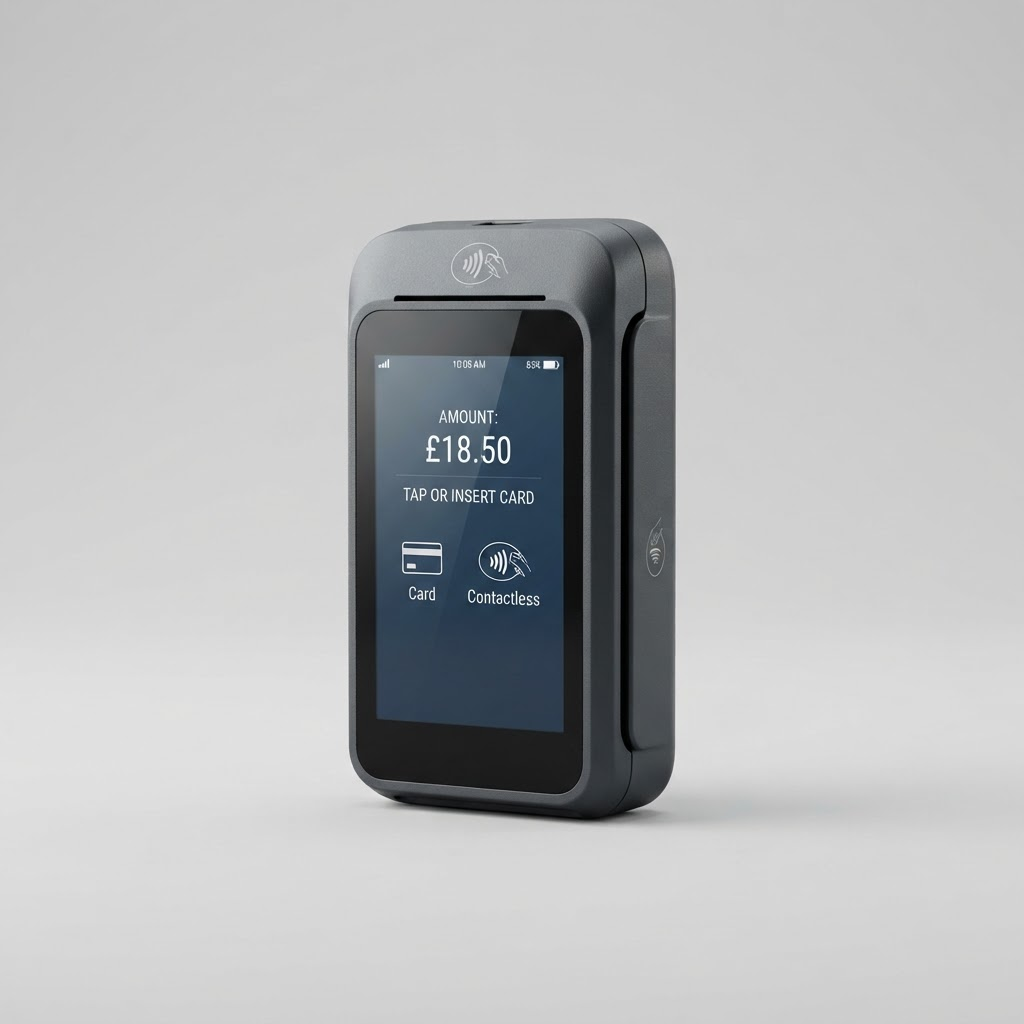
If you need to start this week, the card readers are faster. Solo with printer (NOK 1,899) gives you a reader and receipt printer in one box, and SumUp Terminal (NOK 2,399) has the printer built in. Both are stocked in many stores, but availability varies, so check stock before you go. We have a separate guide on buying a SumUp terminal in store.
The choice comes down to how much the till needs to do beyond taking payment. If you only accept cards and print receipts, Solo with printer is enough — and saves you several thousand kroner. If the till also has to track hundreds of product lines, show the amount on a customer display and report per staff member, Register is built for the job. Many businesses start with a card reader and move to a full POS system once stock-counting starts taking too long.
How to set up the POS system
You need no technician and no installation, and setup takes around fifteen minutes. Have your company number, business bank account and a product list ready before you start.
- Order and unbox. Order Register online from Elkjøp, then unpack both screens and the cables.
- Connect to the network. Connect Register to your shop’s Wi-Fi.
- Log in. Use your email and password, and your product catalogue and settings sync from the cloud.
- Add your products. Upload the full catalogue from a CSV file instead of entering each item by hand.
- Take your first payment. Enter the amount, let the customer pay contactless or by chip and PIN, and issue a receipt.
Worth knowing: Register connects over Wi-Fi. The Solo and Solo with printer readers also have a built-in SIM with mobile data and can keep taking payments if the router goes down — so an inexpensive backup reader can be a smart addition.
Inventory, loyalty and reports
Every item sold is deducted from stock automatically, and you can set a minimum level per product line to get an alert when stock runs low. Sales reports show which products sell, which hours are busiest and what each staff member has rung up. A built-in loyalty programme lets you reward regulars without plastic cards.
Loyalty (SumUp Local) and appointment booking (SumUp Bookings) live in the same system, and several staff members can work on the same till with their own user profiles. How you use Register depends on your trade: in hospitality you send orders straight to the kitchen and split bills, in retail you scan barcodes and add a cash drawer, and a salon or clinic can combine bookings, payment and loyalty. Accessories such as a receipt printer, cash drawer, barcode scanner and self-service screen are sold separately, so you only pay for what you need.
POS systems and Norwegian rules
If your business in Norway is required to keep accounts and has cash sales, you must use a POS system whose supplier has submitted a product declaration to the Norwegian Tax Administration (Skatteetaten). Note that “cash sales” in the bookkeeping rules also covers card payments at the till, not just notes and coins — so the rules apply to most businesses selling over the counter.
The POS system must have a product declaration from the supplier stating that the system meets the requirements of the Cash Register Systems Act and Regulations.
— Skatteetaten (Norwegian Tax Administration, translated)
The requirement has applied to Norwegian businesses that must keep accounts since 1 January 2019, and it is you as the business owner — not the supplier — who is responsible for making sure the till is compliant.
Our advice: ask the supplier to confirm the system has a valid product declaration, and check with your accountant what applies to your industry before you order. We cover every requirement and a full checklist in our guide to SumUp Register and the Cash Register Act.
Security and payouts
Card data is encrypted the moment the card touches the reader, and no card information is stored on the device on your counter. If you link sales to SumUp’s business account, funds are available the next business day, and the account has no monthly fee. Transfers on to another bank usually take one to three business days.
What does Register cost to run?
After the one-off purchase, you only pay when you sell. If you take NOK 30,000 in card payments in a month, the fee is NOK 447 (30,000 × 1.49%). If you sell nothing in a month, you pay nothing — there is no fixed fee underneath. With Payments Plus (NOK 349/month) the rate drops to 0.79%, which pays off from around NOK 50,000 in monthly card turnover.
Worth knowing: SumUp processes Norwegian debit cards as Visa or Mastercard, not over the domestic BankAxept network. BankAxept accounted for 49% of transactions with Norwegian cards in 2024 (Norges Bank). For most small businesses it makes little practical difference, but if your card volume is very high, compare the total cost with a bank terminal that supports BankAxept.
Read our full SumUp review — fees, setup and how it compares with the competition.
Visit providerIn short
If you are building a fixed till with inventory and a customer display, Register is an affordable option with no fixed monthly costs — order online from Elkjøp. If you need to start this week, or only need to take payments, Solo with printer off the shelf is the simplest choice. If your card volume is very high, also compare solutions with a lower rate or BankAxept support.
Frequently asked questions
Can I pick up SumUp Register in an Elkjøp store?
No, Register is ordered online and delivered. For same-day pickup, the Solo Lite, Solo and Solo with printer readers are on the shelves. SumUp Terminal is also stocked in many stores, but call your nearest store to check stock first.
What does SumUp Register cost, and is there a monthly fee?
Register is a one-off NOK 4,399 at Elkjøp. There is no monthly fee for the POS software and no contract; the ongoing cost is 1.49% per payment. The Payments Plus add-on (NOK 349/month) lowers the rate to 0.79% — it only pays off above a certain volume. Prices can change, so check the current price before ordering.
What is the difference between SumUp Register and SumUp Terminal?
SumUp Terminal is a standalone handheld payment terminal with a built-in receipt printer that you can take with you. Register is a complete counter POS system with two screens and full software for sales, inventory, staff and reporting. Choose Terminal when you need to take payment and print receipts anywhere, and Register when you want the whole till in one system.
Does SumUp Register support BankAxept?
No. Like the rest of the SumUp range, Register processes Norwegian debit cards as Visa or Mastercard, not over BankAxept. It still accepts contactless, Apple Pay, Google Pay and cash. If your card volume is very high, compare the total cost with a bank terminal that supports BankAxept.
Is SumUp Register suitable for cafés, shops and salons?
Yes, Register is built for businesses with a fixed counter — cafés, restaurants, bakeries, shops, salons and clinics. If you mostly sell on the move, a card reader such as Solo Lite or SumUp Terminal is usually a better and cheaper choice.
When does Payments Plus pay off?
The difference is 0.70 percentage points. NOK 349 / 0.007 ≈ NOK 50,000, so if you take more than roughly NOK 50,000 in card payments a month, Payments Plus works out cheaper.
Is a receipt printer included?
No. Register has two screens but no built-in printer. You connect an external receipt printer and, if needed, a barcode scanner. If you want the printer built in, Solo with printer or SumUp Terminal are the alternatives.
How quickly do I receive money from a sale?
With SumUp’s business account, funds are available the next business day. Transferring on to an account at another bank usually takes one to three business days.
Advertiser disclosure: We may earn a commission when you click links to providers. This never affects our ratings.
SumUp Solo
Read review