Where to buy SumUp: off the shelf at Elkjøp and taking cards the same day (2026)
In Norway, Elkjøp is SumUp’s retailer for the full range — from the low-cost Solo Lite card reader to the standalone SumUp Terminal and the SumUp Register point-of-sale system. The readers and terminals are stocked online and on the shelves in stores (Elgiganten plays the same role in Denmark), so you can buy over the counter and often take your first card payment the same day — with no monthly fee, no contract and no merchant-account application at your bank. In this guide we cover which model fits, what it costs, how SumUp compares with the alternatives, and when it is (and is not) the best choice.
The short answer: Elkjøp or direct
There are two routes to the hardware: order directly from SumUp’s Norwegian website, or buy at Elkjøp. The difference is practical. At Elkjøp you get standard delivery and return terms, and readers and terminals can be collected in store the same day instead of waiting for a parcel. The SumUp Register system is ordered online. Wherever you buy, you set up the SumUp profile yourself in the free SumUp Business app — no subscription and no contract.
Why it matters that the terminal is on the shelf
Most customers now expect to pay by card or phone. If your terminal fails on a busy Saturday, you lose sales every minute it is down. With a traditional bank terminal, a replacement can take days. When the hardware is sold in ordinary shops, the worst case is picking up a new unit the same day, logging in to your account and carrying on.
Cash makes up only around 3 percent of payments at Norwegian points of sale — among the lowest shares in the world.
— Norges Bank, 2023
Shop-bought terminal vs. traditional bank agreement
The biggest difference is fixed costs. A terminal like SumUp is a one-off purchase, and the provider handles both the card reader and the transaction itself. With a traditional agreement you often rent the terminal and have a separate merchant agreement.
| Cost item | Shop-bought terminal | Typical bank agreement |
|---|---|---|
| Monthly rental | None | Often several hundred kroner |
| Contract | None | Typically 12–36 months |
| Connectivity | Built-in SIM on selected models | Often WiFi or cable |
| Setup | Hardware purchase only | May include setup fees |
| Transaction fee | Flat rate per payment | Can be lower at high volume |
If you want to calculate the total cost over a year in more detail, see our separate guide on one-off purchase vs. subscription.
From the shop shelf to your first sale in four steps
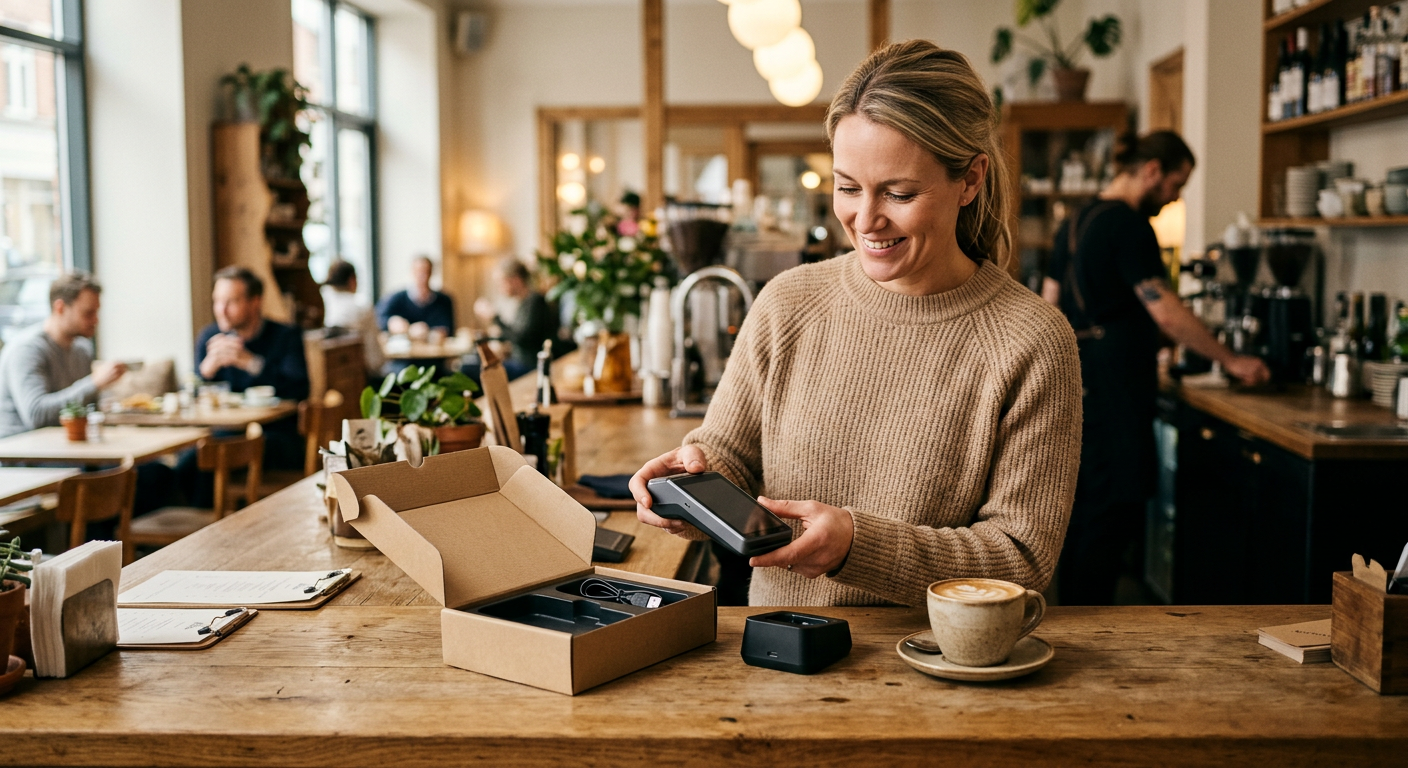
- Unbox and charge. Place the terminal on its charger. Models with a built-in SIM connect to the mobile network automatically.
- Create a business account. Register your company number, ID and the bank account for payouts.
- Log in on the terminal. Enter your email and password on the screen — the device syncs with your account.
- Run a test payment. Enter a small amount, tap your own card and check that everything works.
Worth knowing: the setup itself often takes just a few minutes, but the provider has to verify your business before payouts are released. That can take a little longer — so do not wait until opening morning to register your account.
Which model suits your business?
If you have a fixed counter with a steady flow of customers, a standalone terminal with a large screen and built-in receipt printer is practical — no extra screens or external printers. If you sell from a cargo bike, a food truck or at markets, a small reader that pairs with your phone, such as SumUp Solo Lite, is often enough. Whichever model you choose, you use the same account and the same reports.
| Model | What it is | Best for |
|---|---|---|
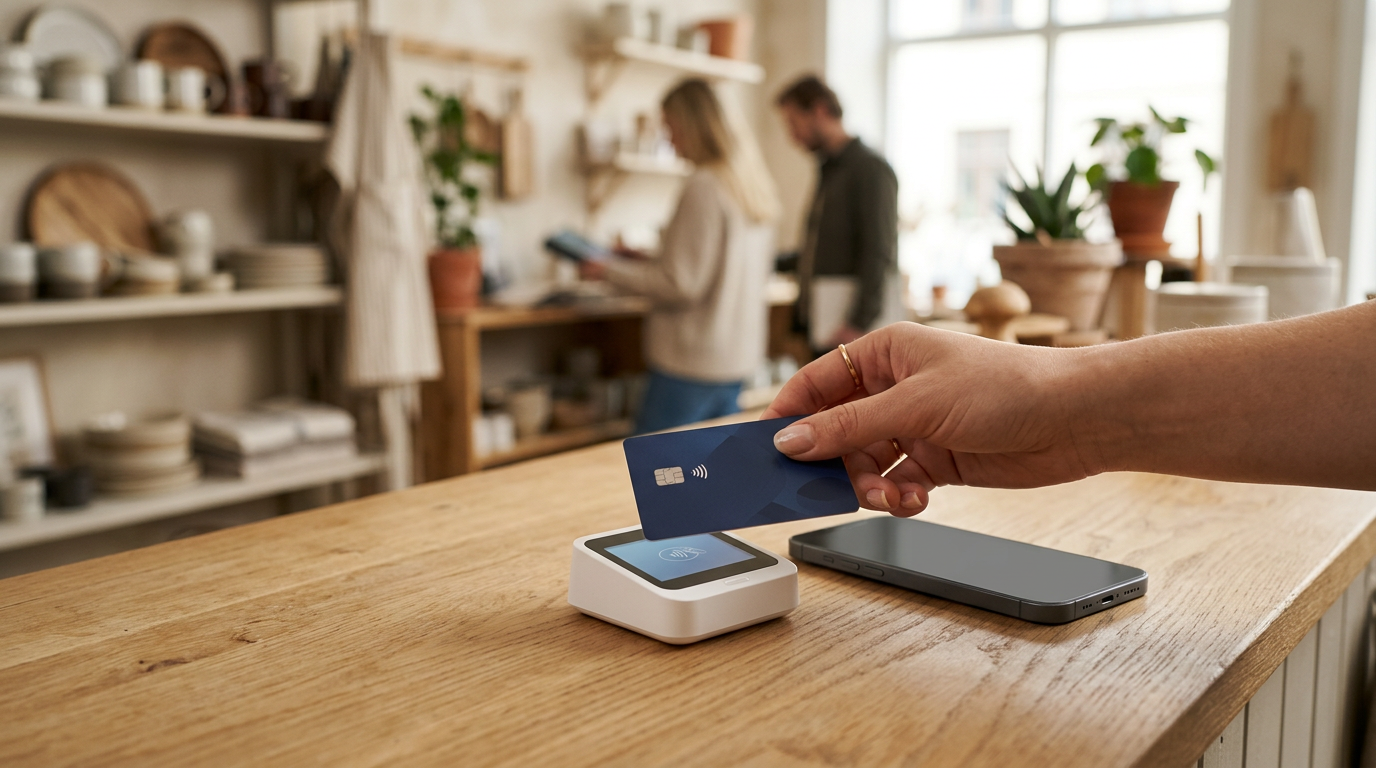
| SumUp Solo Lite | Card reader that pairs with a phone or tablet via Bluetooth | Lowest price: hairdressers, food trucks, markets, pop-ups |
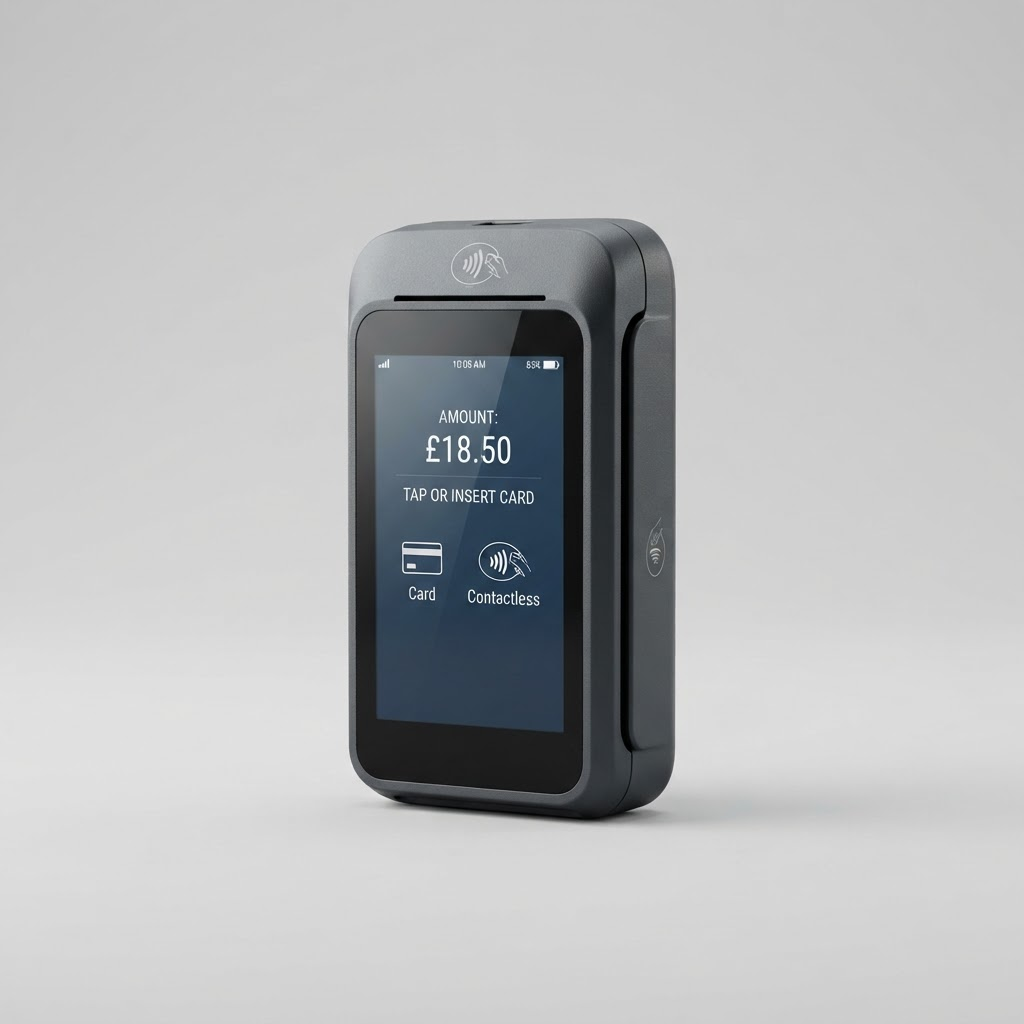
| SumUp Solo | Standalone terminal with its own WiFi and SIM, no printer | Mobile sellers who do not want to use their phone |
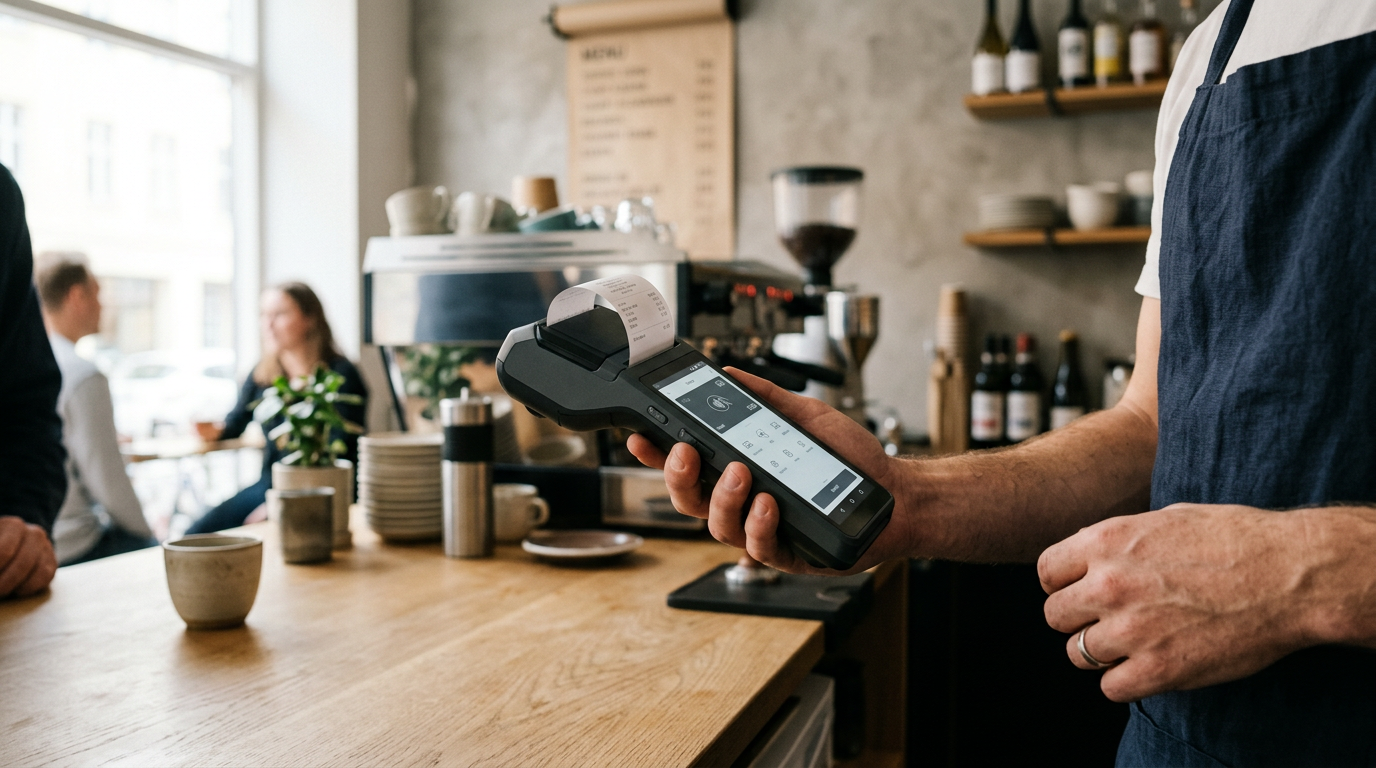
| SumUp Terminal | All-in-one with touchscreen, 58 mm receipt printer and 4G | Cafés, salons and food trucks that print receipts |
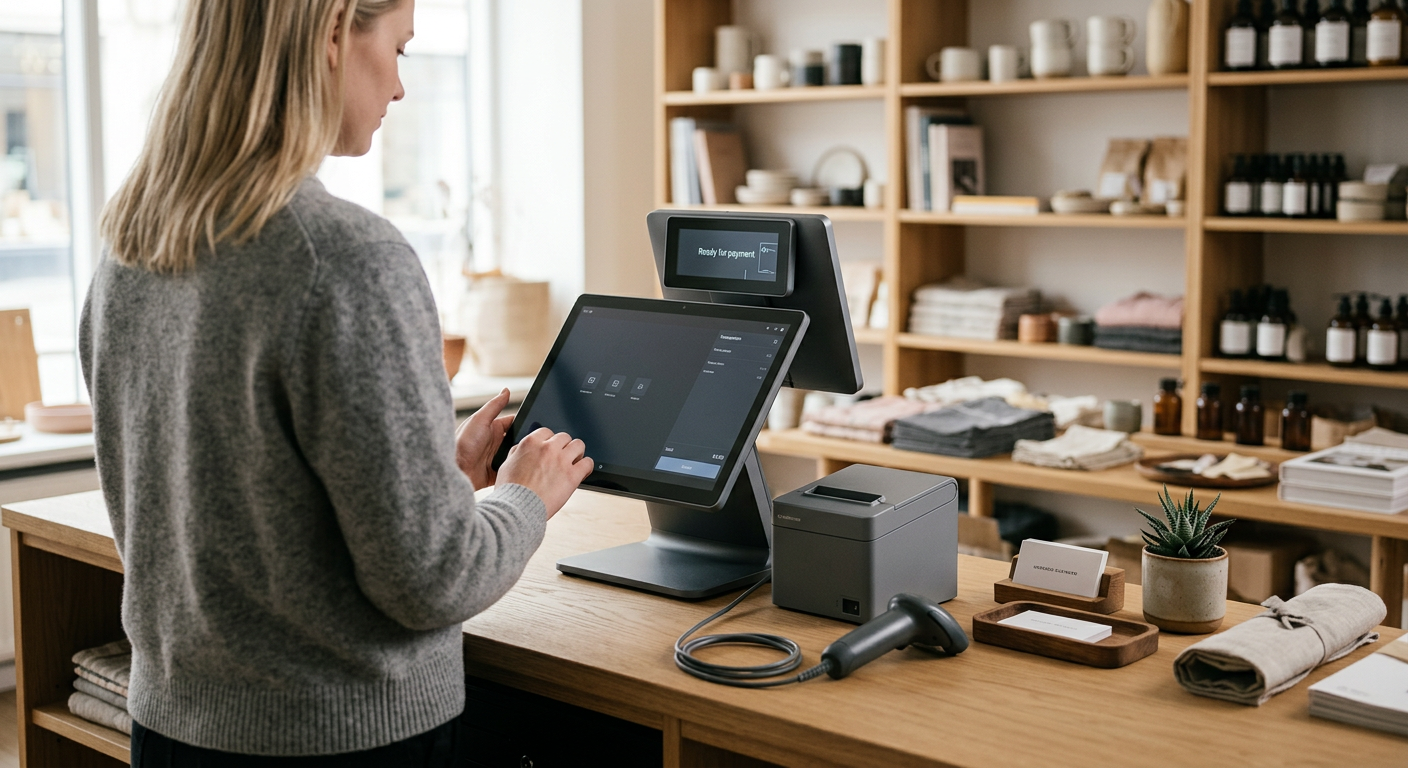
| SumUp Register | Complete POS system with two screens (13.3 and 8 inch) | Fixed counters replacing a cash register |
Solo Lite is the cheapest way in, but needs a phone or tablet. Terminal works entirely on its own and gives the customer a paper receipt on the spot. Register is the only one that is a full point-of-sale system, with card and cash, inventory, staff, sales reports and the SumUp Local loyalty programme — the customer-facing screen is the payment terminal itself.
What does SumUp cost in Norway?
The hardware is a one-off purchase whose price varies by model and promotion, so always check the current price at Elkjøp before ordering. What is fixed is the cost of using SumUp afterwards:
- Transaction fee: 1.49% per completed payment.
- No monthly fee and no contract — months without sales cost nothing.
- Lower rate with a subscription: Payments Plus (NOK 349/month) cuts the fee to 0.79%.
- Payout the next business day to the SumUp business account.
Worked example: take NOK 30,000 in card sales in a month and you pay NOK 447 in fees (30,000 × 1.49%). Payments Plus only pays off once card turnover passes roughly NOK 50,000 a month — below that, the standard rate is cheaper.
SumUp vs. Nets, Verifone, Zettle and Vipps
Which option is best depends mostly on how much you sell by card. The overall picture:
| Provider | Strength | Best for |
|---|---|---|
| SumUp | No contract or monthly fee, flat rate, sold in shops | Small, mobile, seasonal and new businesses |
| Nets / Nexi | Supports BankAxept, lower fees at high volume | Shops with high card volume and a fixed counter |
| Verifone | Robust bank-terminal hardware, choice of acquirer | Established retail with high card volume |
| Zettle (PayPal) | Free payments app and simple mobile setup | Businesses already using PayPal |
SumUp wins on simplicity and freedom. On the other hand, a bank terminal from Nets or Verifone can work out cheaper at very high card volume, because it can run BankAxept — which accounted for 49% of transactions on Norwegian cards in 2024 (Norges Bank). Vipps MobilePay is not a direct competitor: it is a payment method used alongside a terminal. SumUp accepts contactless cards plus Apple Pay and Google Pay. To see the fees side by side, read our comparison of SumUp, Zettle and Nets.
Tips, daily reporting and payouts
Many terminals can prompt the customer for a tip before payment, with suggested percentages or a custom amount. That makes tipping easier, and every tip is recorded per transaction — useful because tips are taxable and must be reported correctly. Sales are logged in real time, so you can pull the daily report from a dashboard instead of collecting receipts. Payouts go to your bank account automatically, usually within a few business days.
What to check before you buy
- Card volume: at very high volume — especially with many Norwegian BankAxept cards — a bank terminal with a lower rate can work out cheaper.
- The right model: do you need a receipt printer and large screen, or will a small mobile reader do?
- Cash-register rules: check that the solution meets current local requirements for your type of business.
- Backup: if you rely on one terminal, an inexpensive spare reader in the drawer can save a busy day.
Read our full SumUp review — including fees, setup and who it suits.
Visit providerTip: find your busiest day of the week and work out how much you sell by card per hour. If one hour of downtime costs more than a spare reader, keeping a backup is worth it.
Frequently asked questions
Where can I buy SumUp in Norway?
At Elkjøp, which carries the full SumUp range. Solo Lite, Solo and Terminal can be bought online with home delivery or click-and-collect, or in a physical store. SumUp Register is ordered online. You can also order directly from SumUp’s Norwegian website, but then you wait for delivery.
Is it cheaper to buy directly from SumUp than at Elkjøp?
It varies with promotions, so compare the current price in both places. The fees are the same wherever you buy the device: 1.49% per payment, with no monthly fee or contract.
Which SumUp should I choose?
Solo Lite if you want to take cards at the lowest price and have a phone to pair it with. Terminal if you need to hand customers a receipt and want everything in one device with a printer and 4G. Register if you run a fixed counter and need a full point-of-sale system. If in doubt, Solo Lite is the cheapest place to start.
How long does it take to set up a shop-bought SumUp terminal?
Setup itself often takes under fifteen minutes: create an account, log in on the terminal and run a test payment. Verifying your business before payouts can take a little longer.
Do I need a separate bank agreement?
No. SumUp handles the transaction itself, so you do not need a separate merchant agreement — just a regular bank account for payouts.
Does it cost anything in a month I do not use the terminal?
No, there is no fixed monthly fee. You only pay a fee per completed payment, so months when you are closed cost nothing.
Which cards and payment methods are supported?
Common debit and credit cards such as Visa, Mastercard, Maestro and American Express, plus Apple Pay and Google Pay. Norwegian debit cards are processed as Visa or Mastercard rather than via BankAxept.
Does the terminal work if the WiFi goes down?
Models with a built-in SIM connect to the mobile network automatically, so you can keep taking payments if your router fails. Check that the model you buy has a SIM.
Advertiser disclosure: We may earn a commission when you click links to providers. This never affects our ratings.
SumUp Solo
Read review